Start now
When signing up you get access to the RJ Portal within your Microsoft 365 tenant to find out about all the awesome possibilities to manage Windows and Mac applications without leaving the platform. But also managing all devices, users and groups, get access to open source remediations scripts and automation and so much more...
Ready to Explore?
Welcome to our Portal!
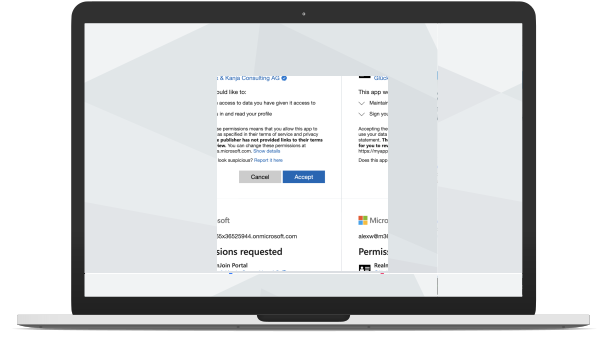
Enroll nowThis button redirects you to the basic Entra login within your tenant and asks you to consent only basic profile access to allow us to read your name and email address.